


Twitch,ontopofeverytab
Use the full version free today. A floating Twitch player on any web page. A Chrome side panel with chat. Multi-stream and saved workspaces. Join early and reserve a lifetime discount before paid plans launch.
Drag it. Resize it. Watch anywhere.
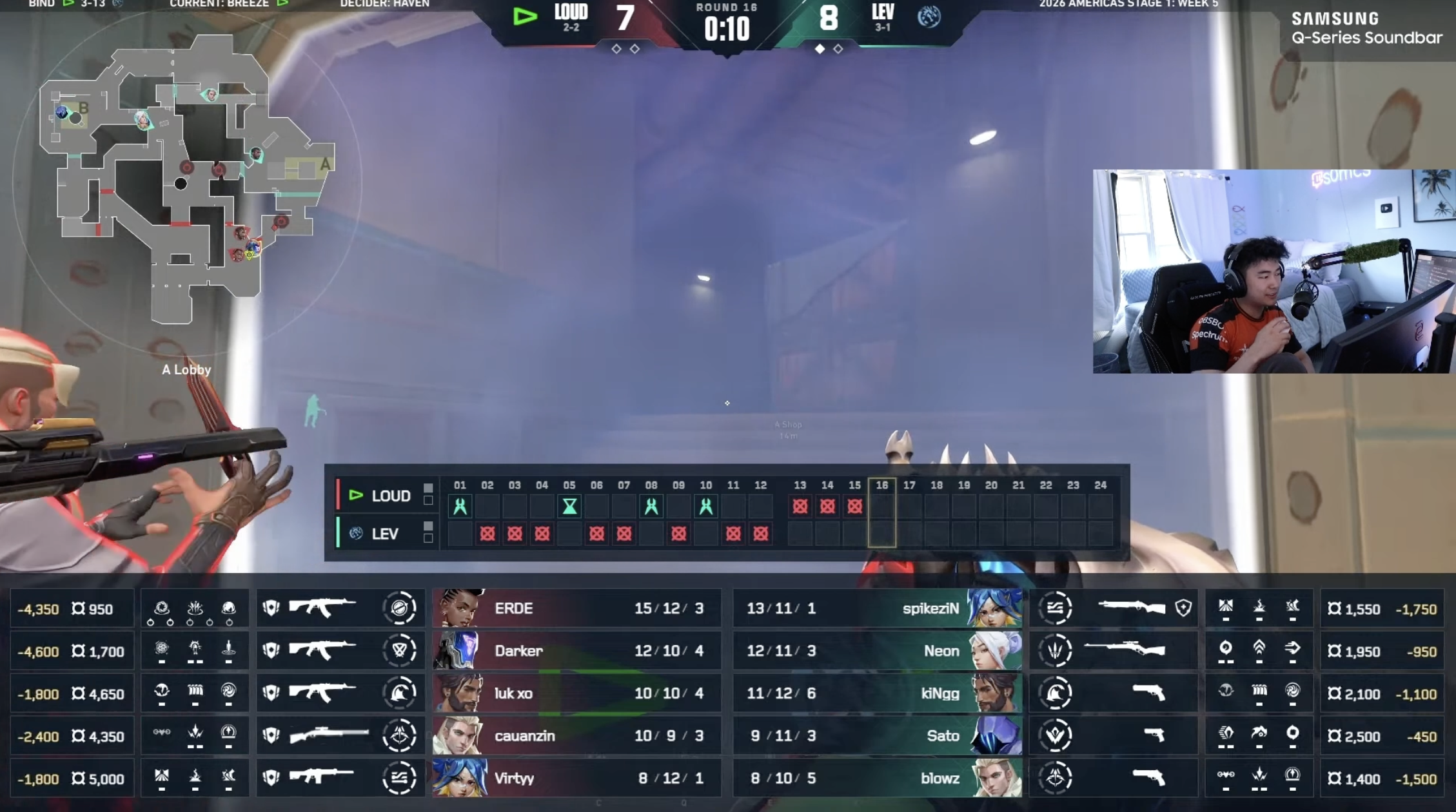
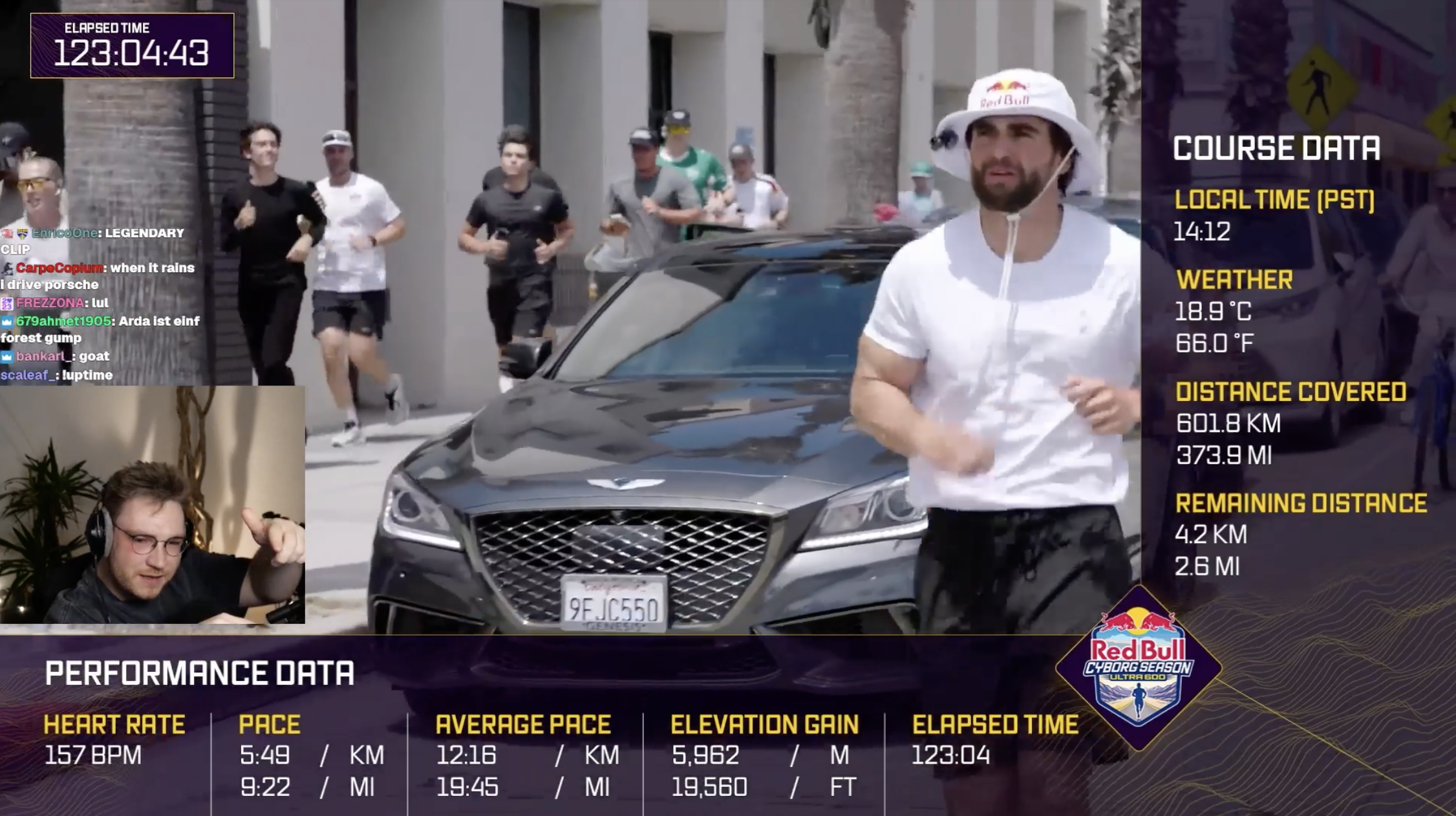
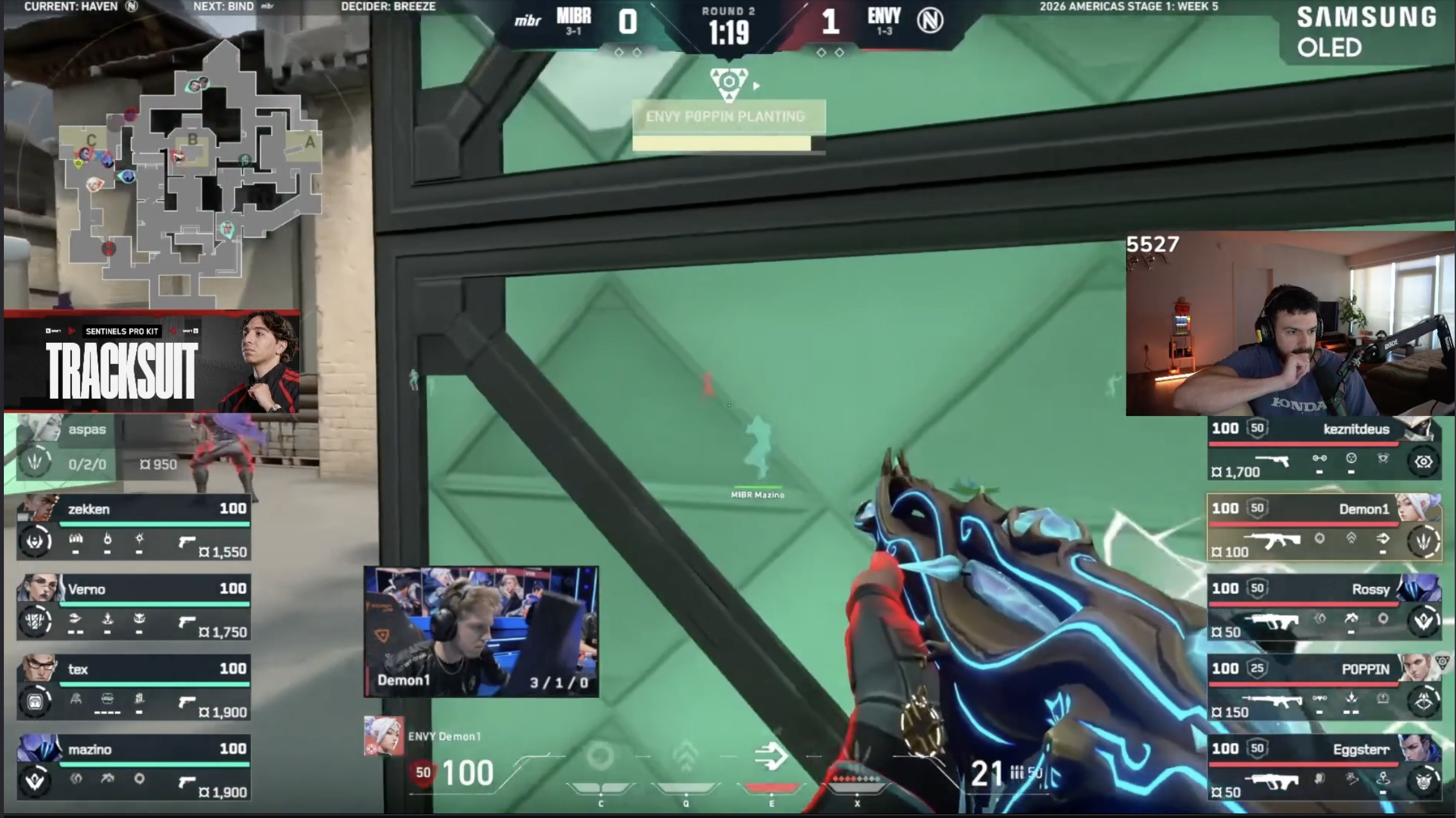
A real Twitch picture-in-picture player, not a screenshot, not a stub, that floats on top of any web page in Chrome. Try it: drag the player by its title bar, resize from the bottom-right corner, drop it where you want.
 LIVE1.1K
Drag the title bar · Resize from the bottom-right corner
A Twitch side panel that stays with you.
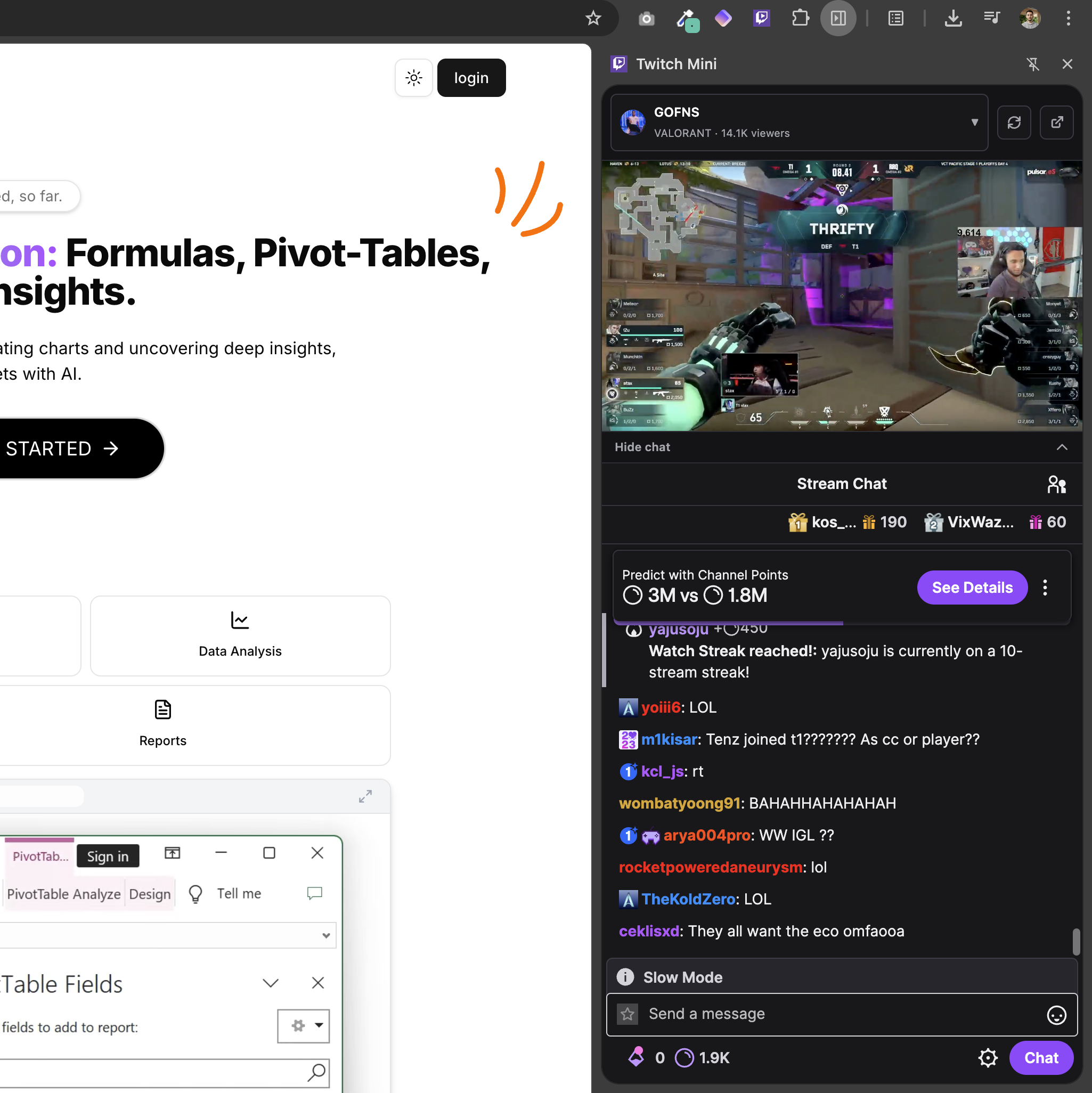
Docked in Chrome's native side panel. Player on top, collapsible chat below, live followed channels in a dropdown. It remembers the last channel you watched and travels with you across every tab.
 LIVE25K
- kos_fps:tarikW tarikW tarikW
- vladdy_:ACE INCOMING
- marbledawn:no way he just did that
- izumi_drop:frame perfect KEKW
- n8.lab:POG
- esp1ke:1v3 clutch incoming
- yuri_clutch:$10K BET
- rinx_lol:tarikJam tarikJam
- kynnaa:MERICA
- GhostMatcha:throw andy
- tahlia42:OPERATOR ANDY
- snowy9621:NA WORLDS
Built for how people actually watch Twitch.
Five small moments that make a long viewing day quieter. Scroll through.
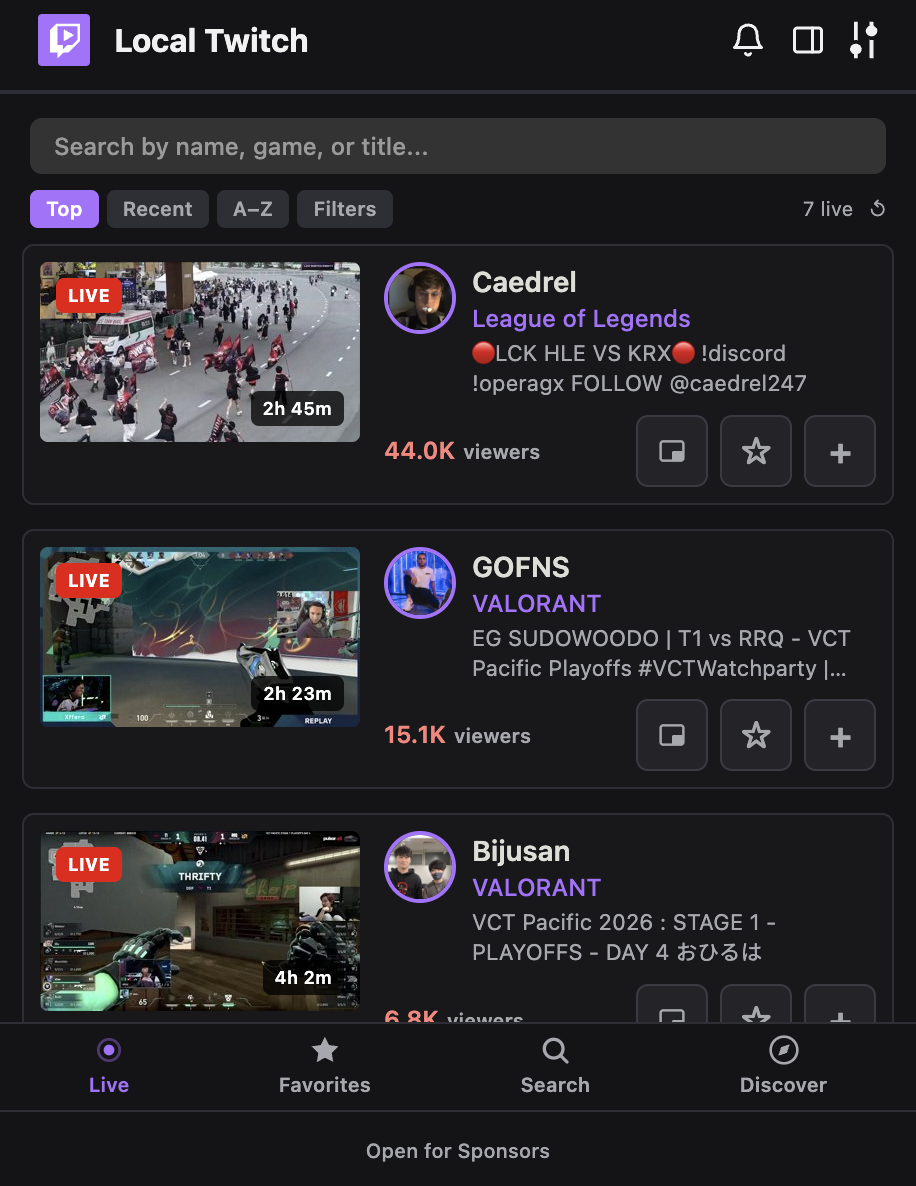
Start with the people you actually follow.
Pinned-first ordering. Filters by game, language, and viewer count. The list you wish Twitch had by default.
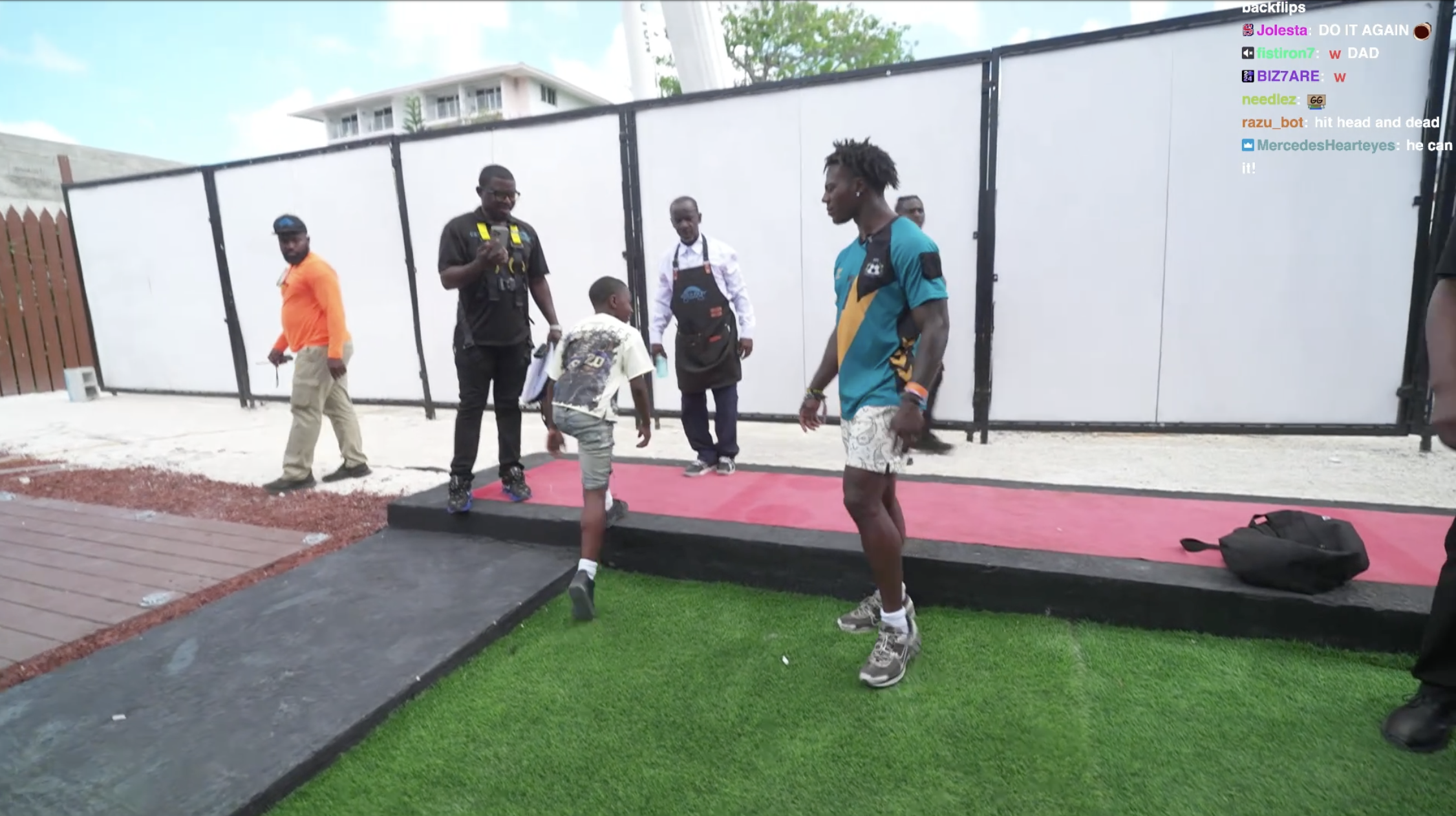
Drop the stream onto whatever page you're already on.
A floating, draggable mini player on the page in front of you. Watch while you study, write, or browse.
Move it to the side panel for deep work.
Player and chat in Chrome's side panel. It stays put as you switch tabs.
Open Tournament Mode for the night.
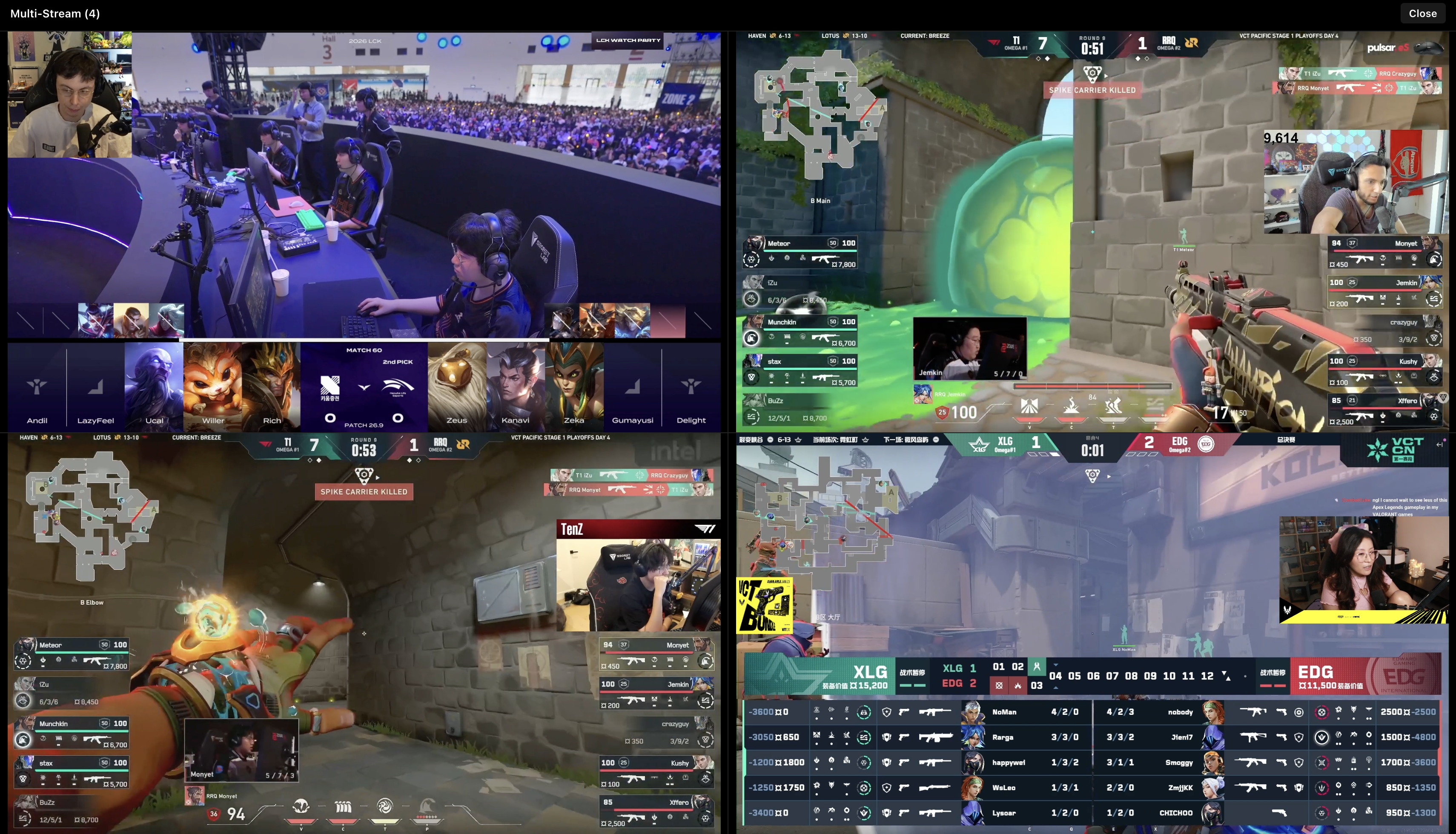
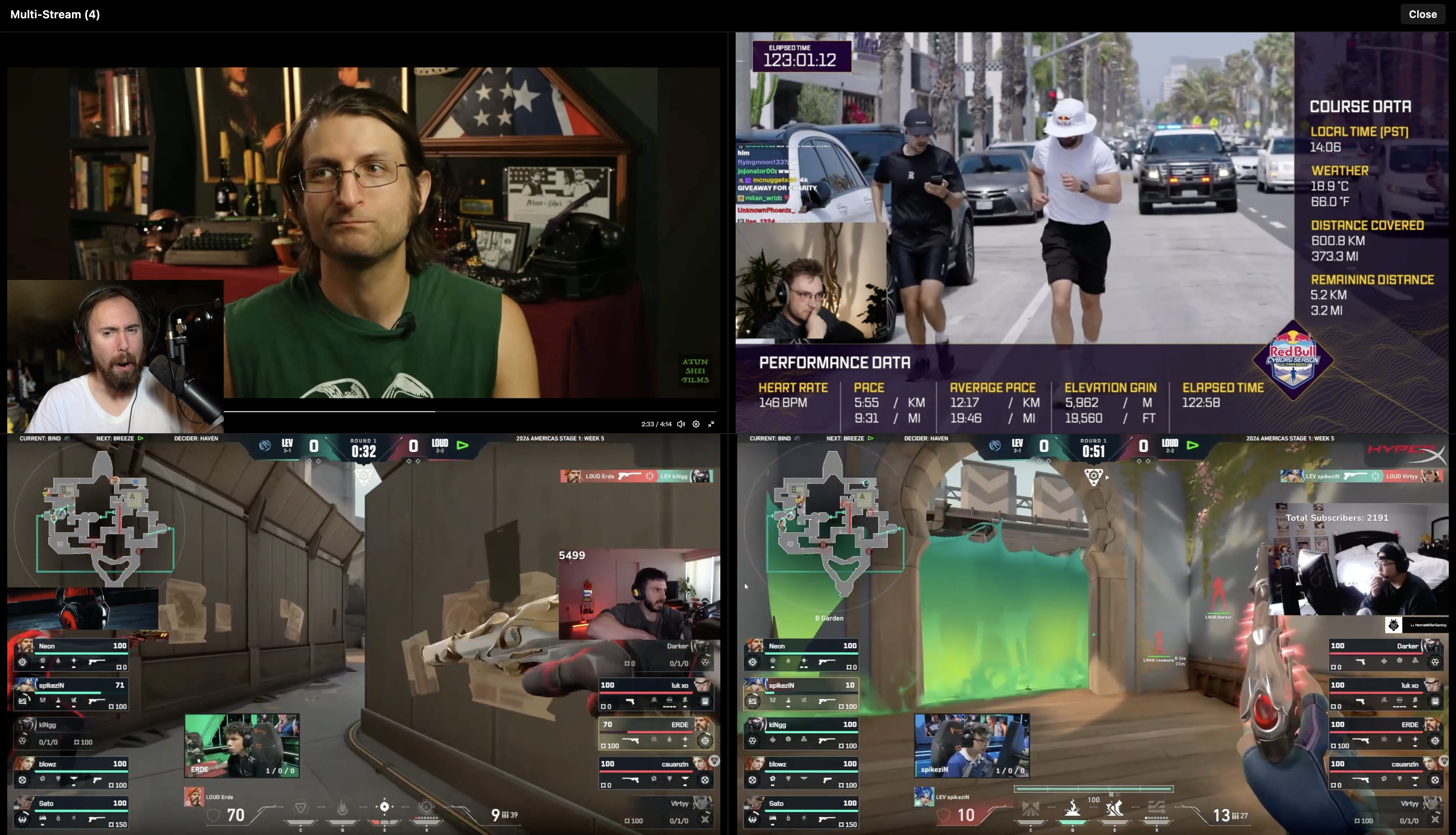
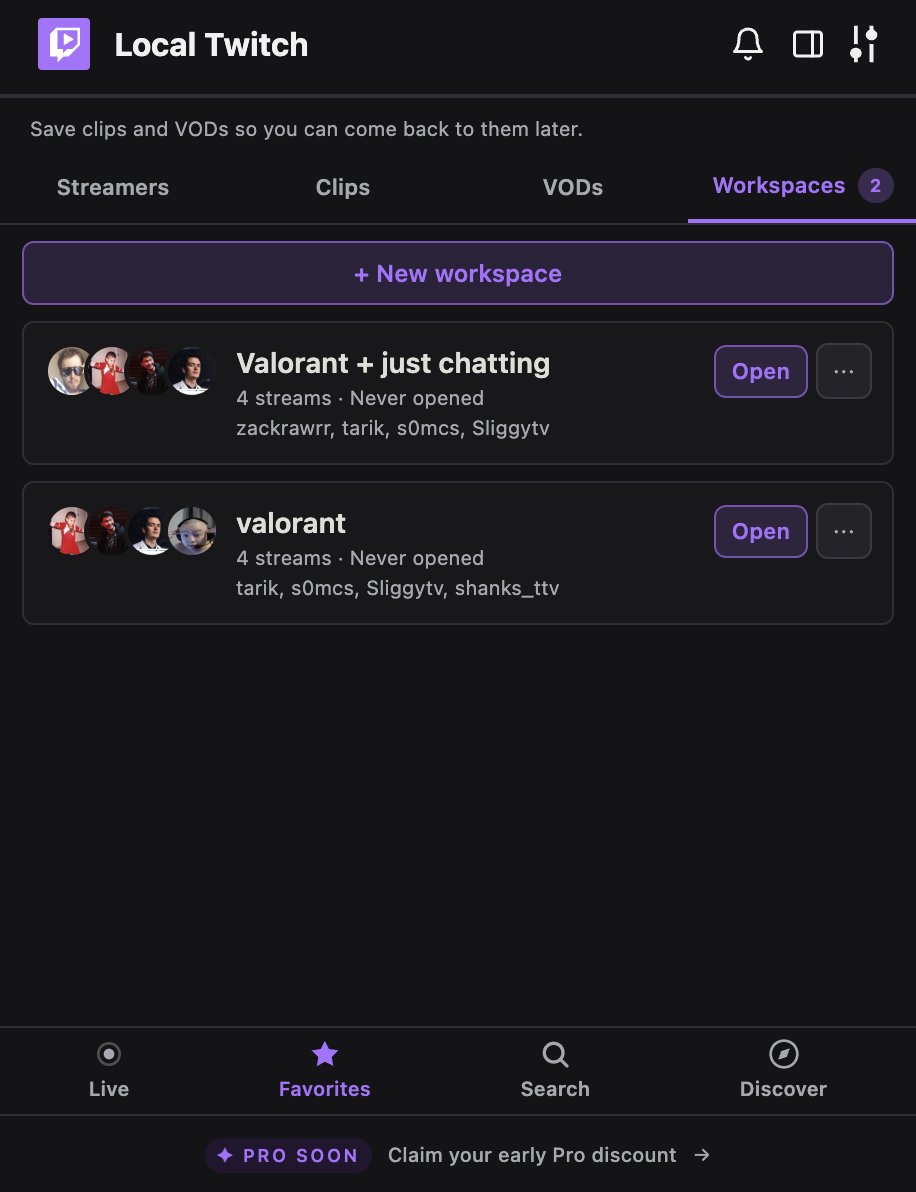
Saved multi-stream layouts open with one click. Up to four channels, one active, the rest muted.
Catch tomorrow's stream without thinking about it.
Schedule reminders fire while Chrome is open, with .ics export for the rest of your calendar.

Save your tournament setup once.
Watch multiple Twitch streams at once. Name a multistream layout, add up to four channels, reopen it with one click. Built for tournament viewers, friend lists, and Drops farming.
Find new streams without leaving your tab.
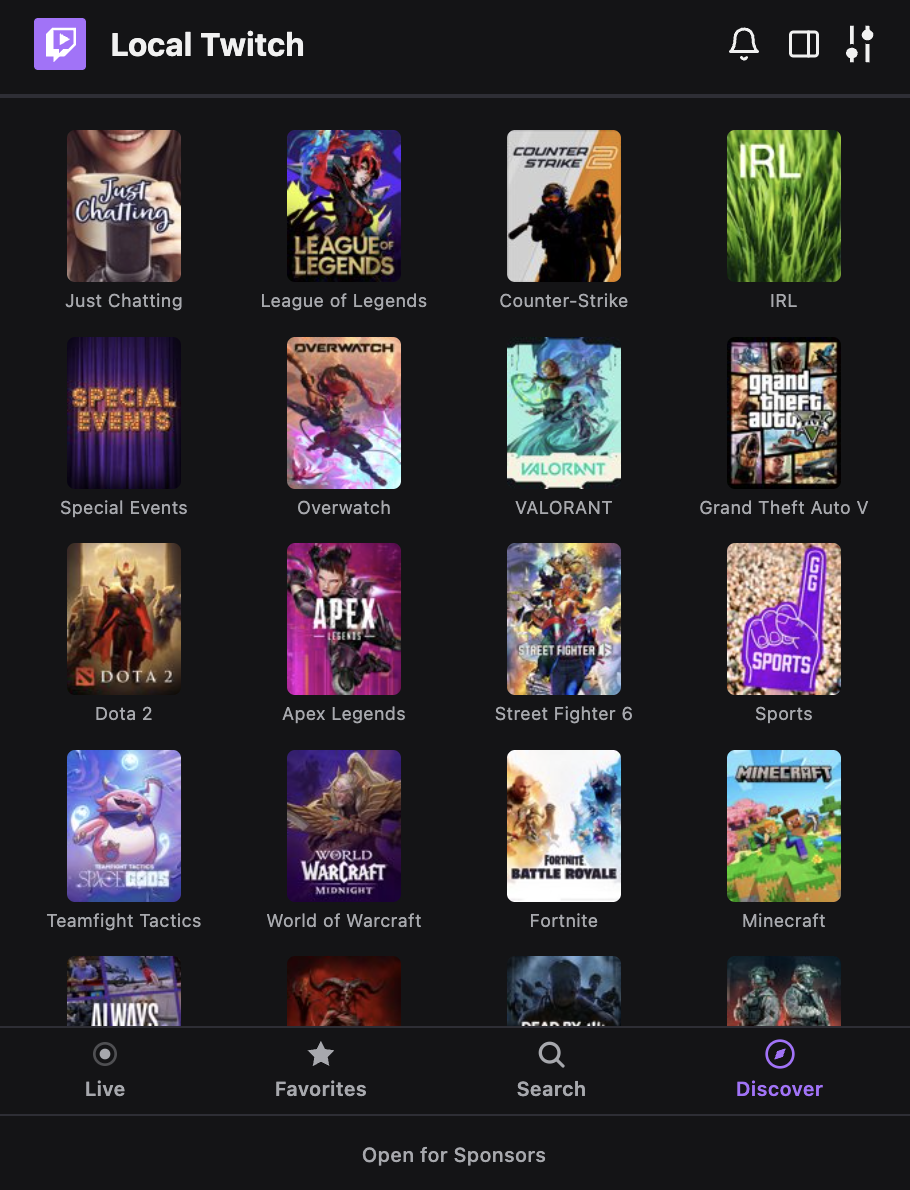
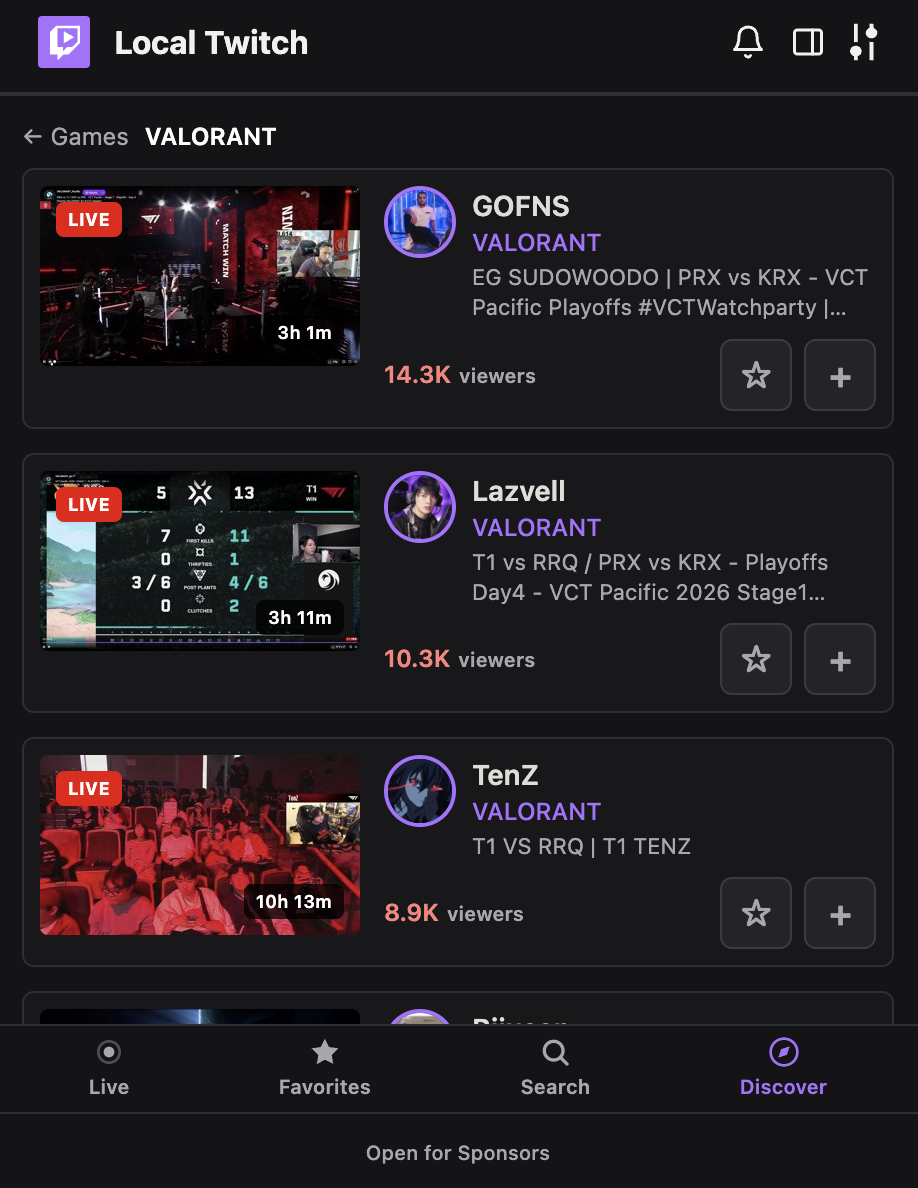
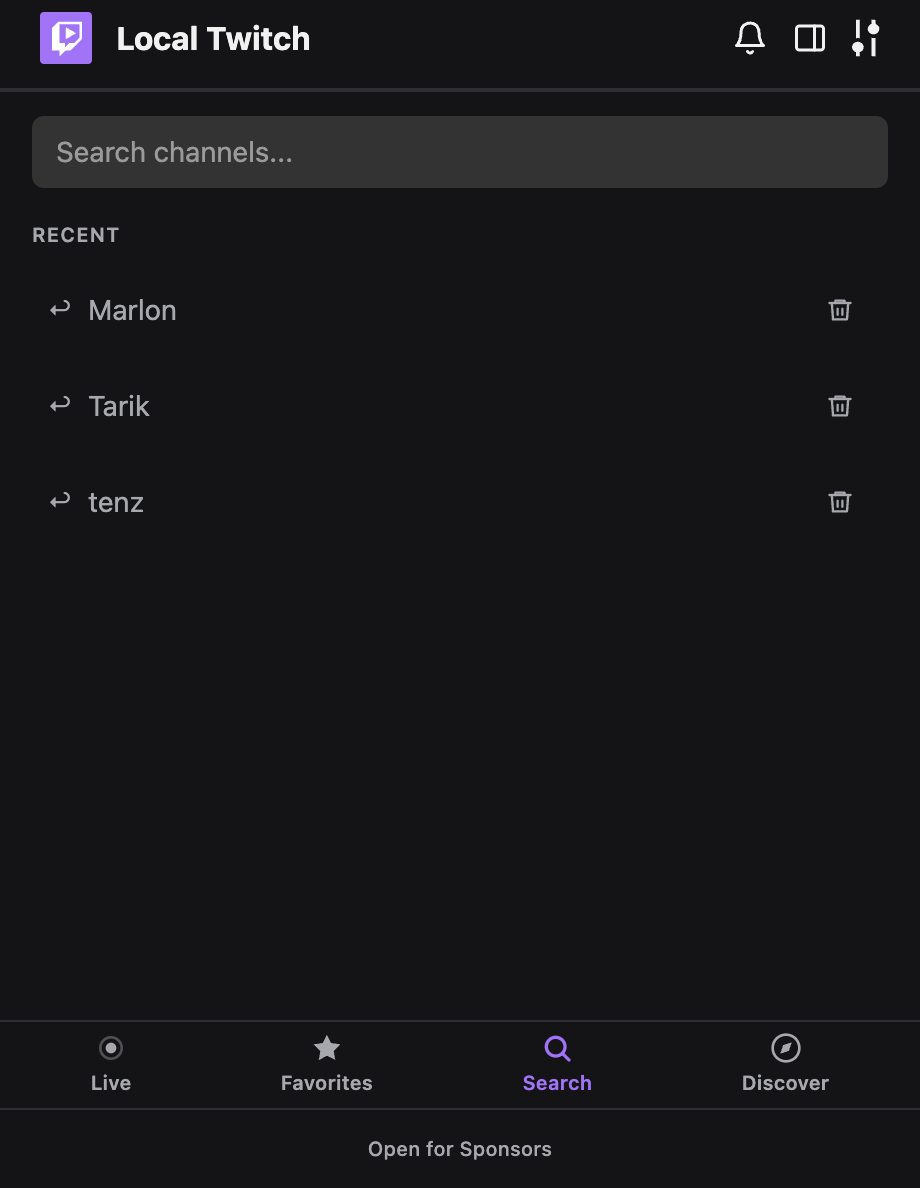
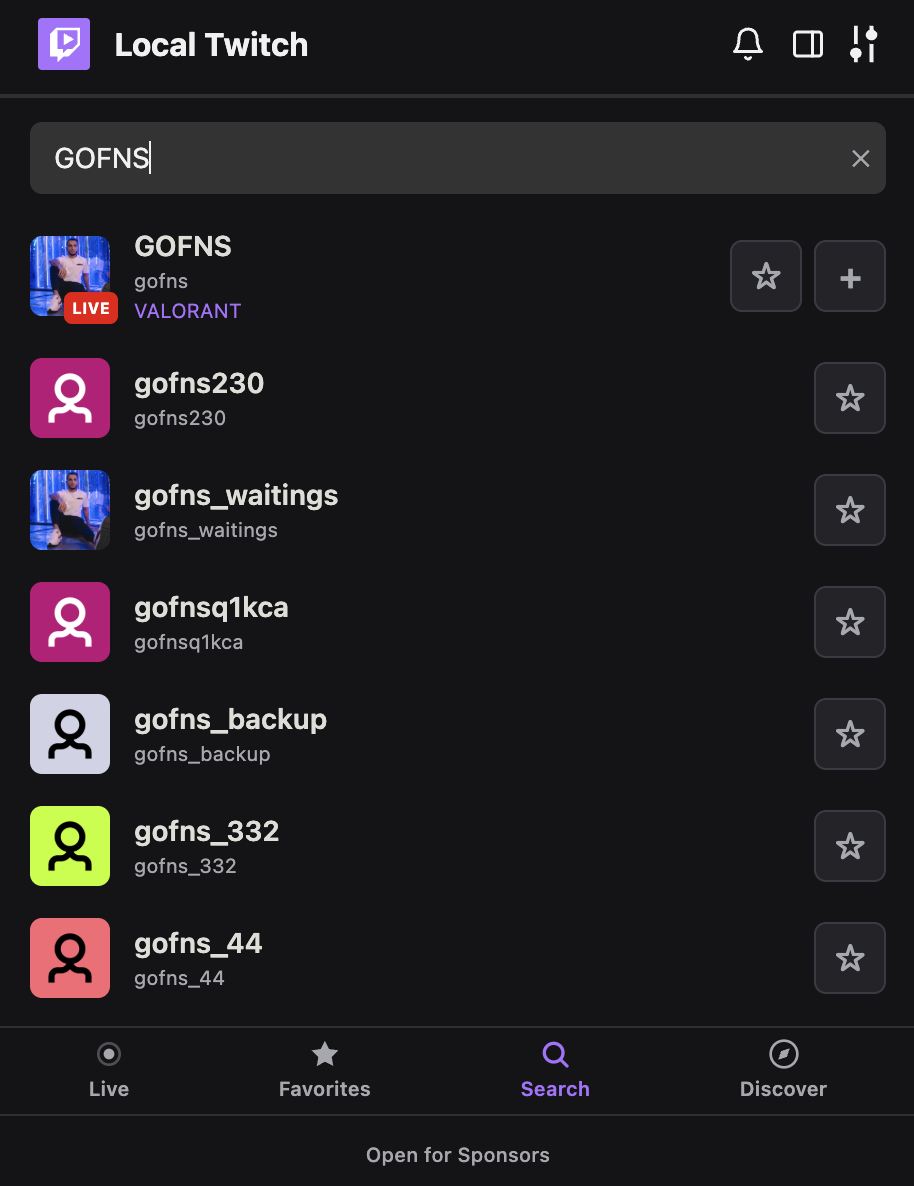
Search any channel by name. Browse top games. Drill into who's live in any category. Drop a stream on top of whatever page you're already on.
Alerts that don't disappear into the void.
Optional go-live alerts, with pinned-only mode if you only care about the channels you marked. A Notification Center keeps the last 200 entries. Schedule reminders and a one-click .ics export for your calendar.
NoteAlerts and reminders run while Chrome is open. Closing Chrome stops the checks.
Just went live · Premier qualifiers
- just nowtarik LiveWent live · Premier qualifiers
- 2m agoVALORANT_EMEAReminderReminder · VCT EMEA · TL vs M8 in 30m
- 8m agoYinsuWent live · VCT EMEA watch party
- 31m agoShanksReminderReminder · G2 watchparty in 1h
- 1h agoNadeshotWent live · Road to FACEIT LVL 10


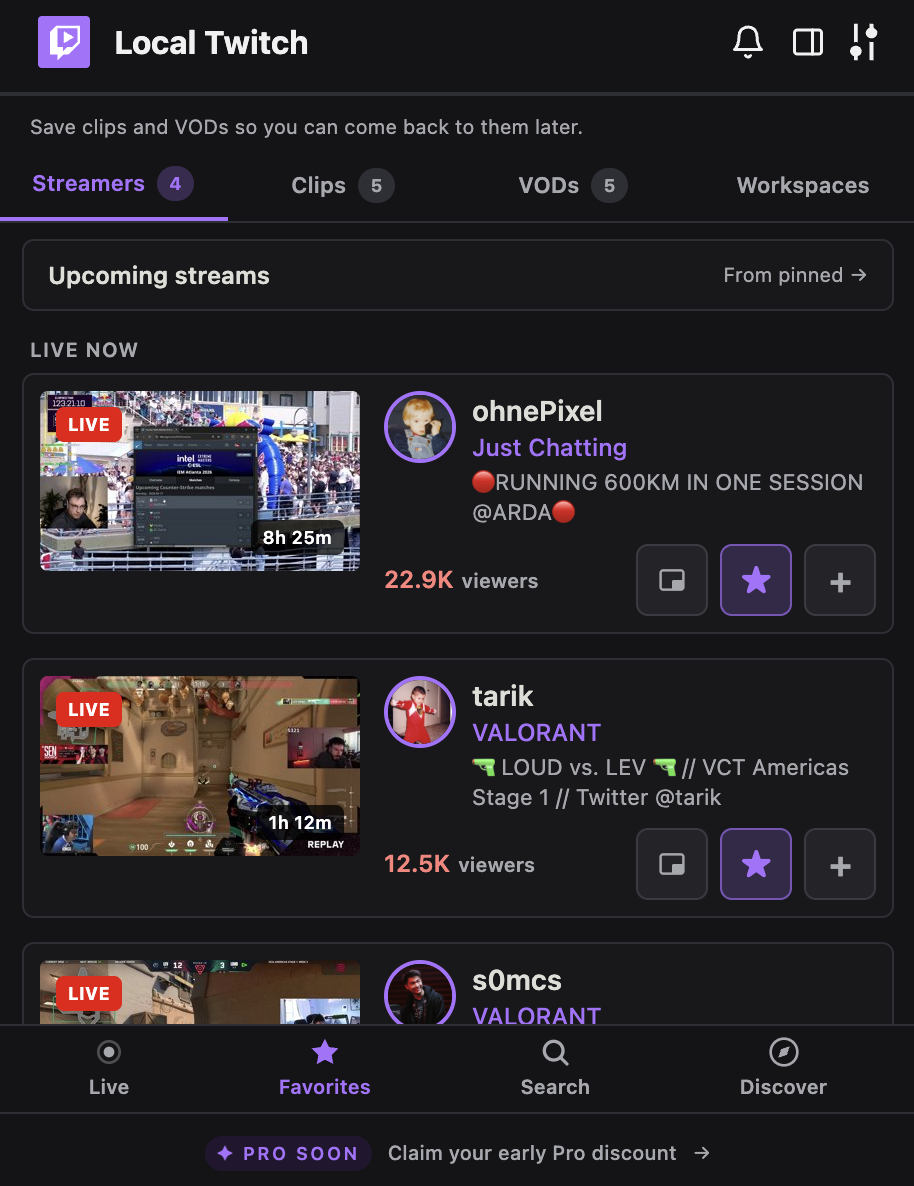
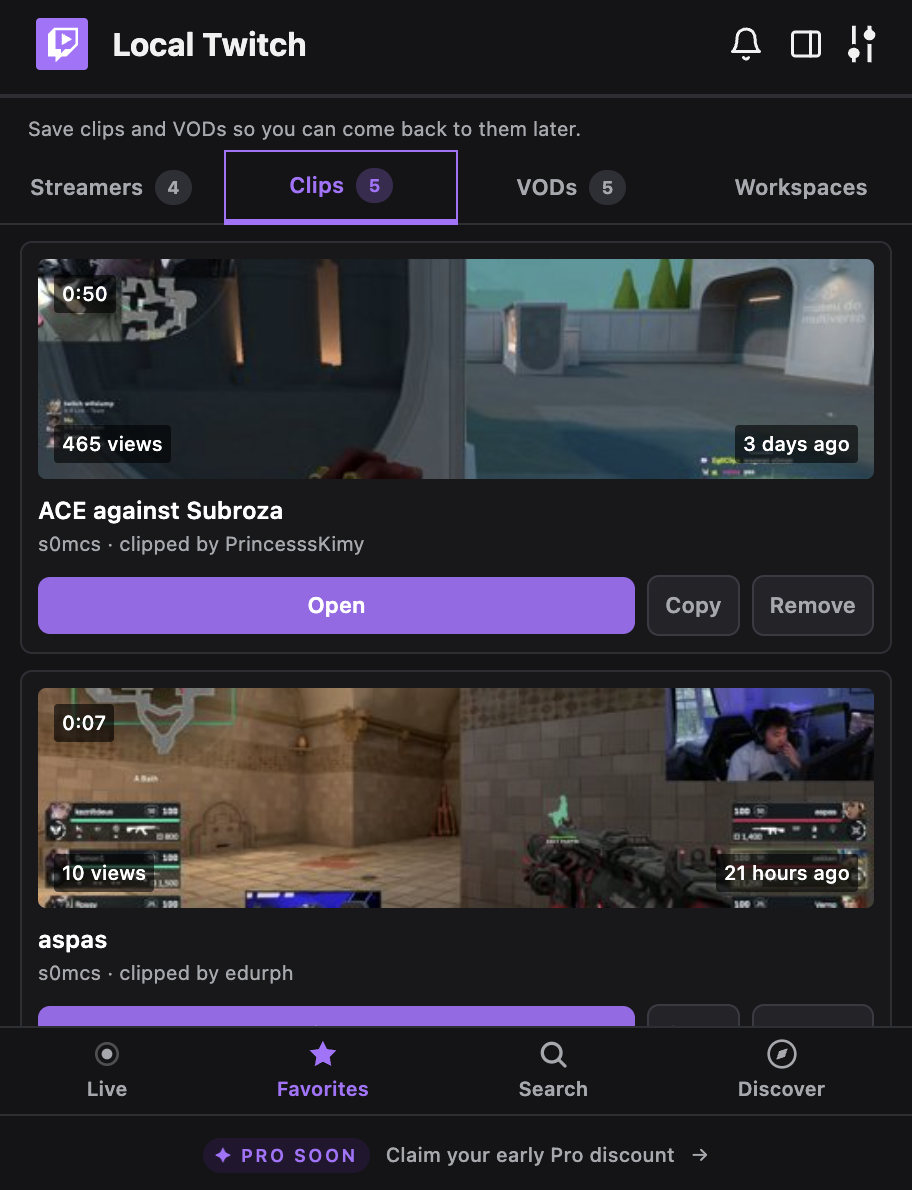
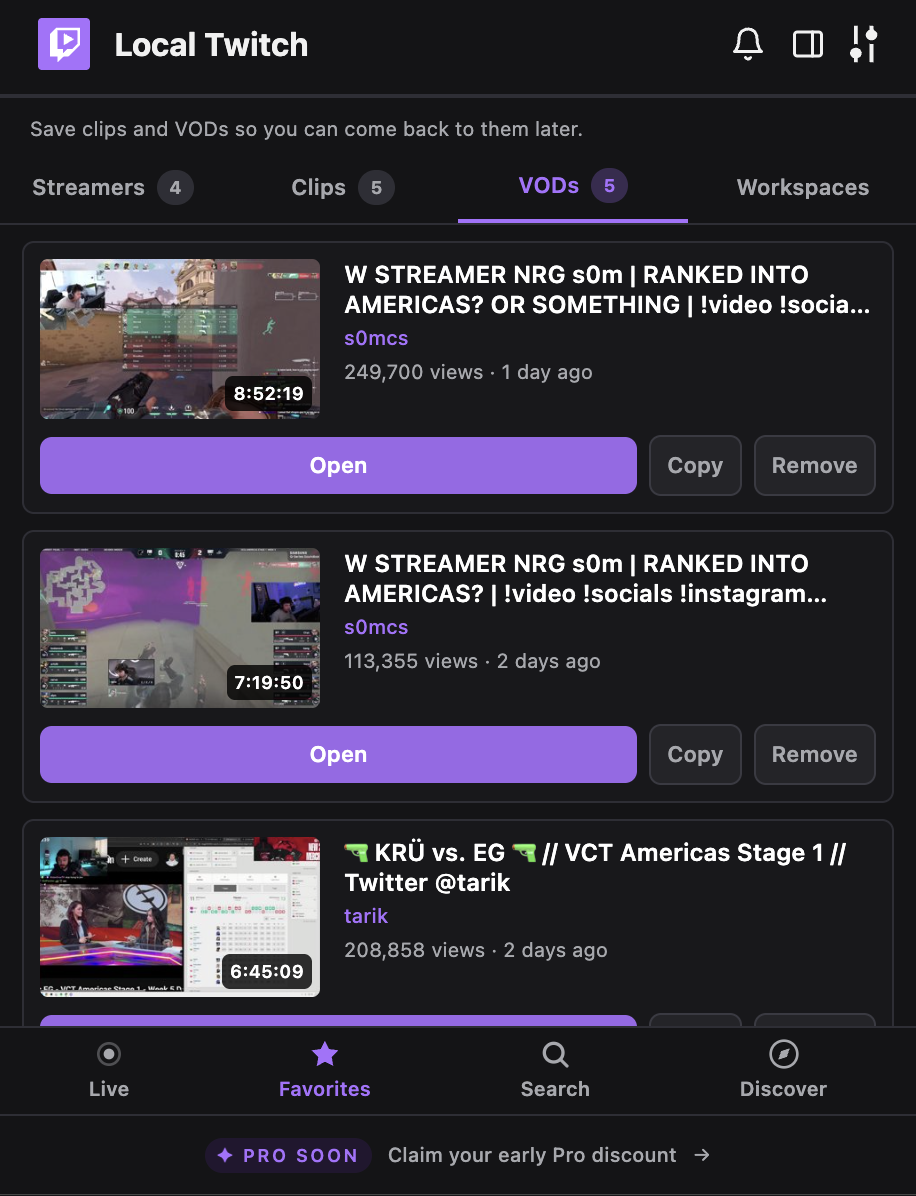
Save the Twitch stuff you want to come back to.
Pin streamers. Bookmark clips. Bookmark VODs. Stored locally as metadata. You can re-open or copy a link any time.
Local-first by default.
Your followed list, pinned streamers, saved clips and VODs, workspaces, filter preferences, reminders, and notification history live in your browser's IndexedDB. The Twitch session token lives in chrome.storage.local. The backend has no database. Its only job is the OAuth handshake and forwarding Twitch API requests.
Read the privacy policyYour followed list, pinned streamers, workspaces, filters, saved clips, and notification history live in IndexedDB on your machine.
The backend handles OAuth and forwards Twitch API requests. It does not store your data.
No telemetry, no error tracking, no third-party SDKs. Verified in code and in the privacy policy.
user:read:follows. That is the only permission asked of your Twitch account.
The mini player and side panel use player.twitch.tv. No scrapers. No modded streams.
Not affiliated with, endorsed by, or sponsored by Twitch Interactive, Inc. or Amazon.
I built this because I wanted to watch while I worked.
I'm a fan of esports worlds. When the brackets are running, I want them on. The whole tournament arc, the co-streams, the post-match VODs.
The thing is, I was studying and working full-time. I didn't have two screens. I didn't want the stream in a tab I'd forget about, or a window I'd have to keep dragging on top. I wanted the player on the page I was already reading.
So I built that. That's the whole reason this exists. The tool I wished I had back then, for anyone who watches more Twitch than the default UI was designed for.
Use it free now. Keep your Pro discount for later.
Paid plans are not live yet. Early users can reserve a lifetime 40% discount code before Pro launches.
Use Twitch Mini Player now while Pro is being prepared.
- Floating mini player
- Side panel player + chat
- Followed live streams
- Search streamers and discover — without leaving the tab
- Streamer details
- Clips, VODs, schedule, and emotes
- Multi-stream
- Save clips and VODs
- Pin favorite streamers
When Pro launches, the Free plan will keep the core viewer tools.
Early users keep $1.79/month lifetime. Cancel anytime.
- Everything in Free
- Side panel player + chat
- Multi-stream (up to 4 streams)
- Saved multi-stream workspaces
- Pinned-only notifications
- Notification history
- Schedule reminders
- Calendar export
- Cloud sync across devices
No payment today.
Questions you should ask.
Plain answers, including the parts that are limitations.
- No. This is an independent project. Not affiliated with, endorsed by, or sponsored by Twitch Interactive, Inc. or Amazon.
- No. Twitch does not expose viewer-side file access for clips or streams, and this extension does not work around that. Saved clips and saved VODs are bookmarks (metadata) you can re-open in Twitch.
- No. This is a viewer productivity tool, not an ad blocker. It uses Twitch's official embed.
- One OAuth scope: user:read:follows. That is enough to list your followed live channels and personalize the dashboard.
- On your machine. Pinned streamers, saved clips, saved VODs, workspaces, filter preferences, reminders, and notification history live in your browser's IndexedDB. The Twitch session token lives in chrome.storage.local.
- No. The backend has no database. Its only job is to hold the Twitch client secret, run the OAuth handshake, and forward authenticated Twitch API requests. It emits operational request logs (method, path, status, duration), no tokens, no saved items.
- No. Alerts use a 5-minute polling check while Chrome is open. They typically arrive within a few minutes of a streamer going live.
- No. Chrome must be running for alerts and reminders to fire. Closing Chrome stops the checks.
- Twitch's player reads its mute setting only when the iframe is created. Switching which tile is active changes mute state, so those iframes are recreated. It is a Twitch player behavior, not a bug.